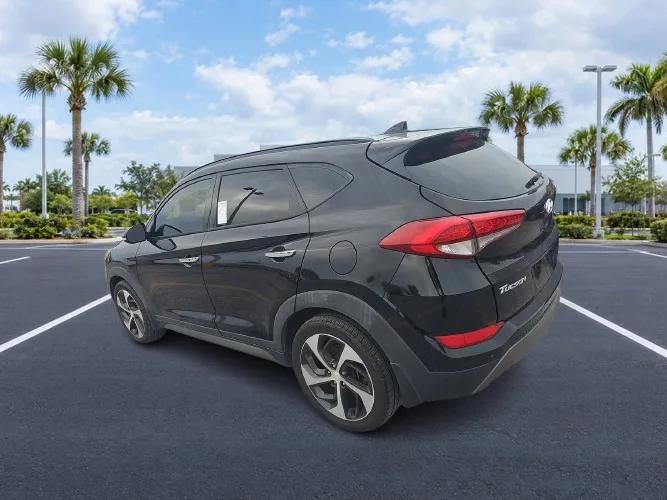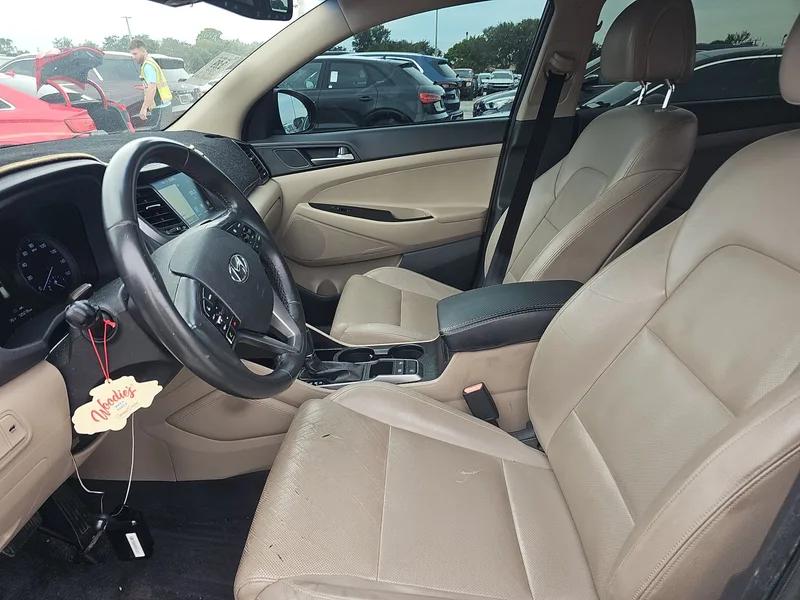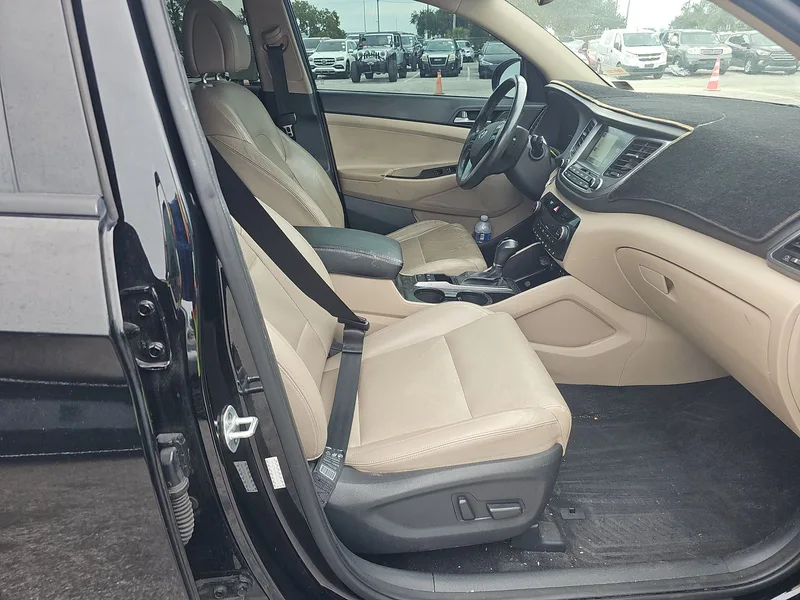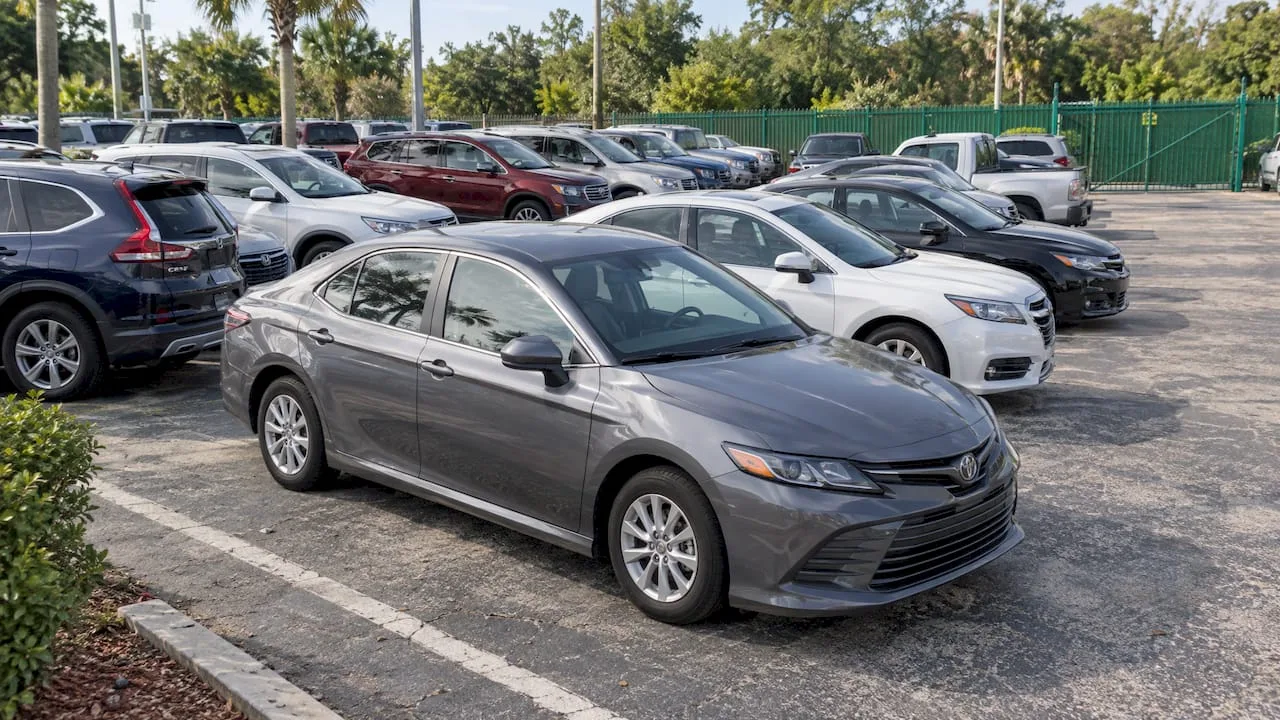
If the car you want isn't within 25 or 50 miles of Clearwater, widen the radius on every listing site you use, repeat the same saved search in a few different regions, and use a nationwide aggregator. Or hand the whole hunt to a dealer who will find it for you. Either way, get the trim, the history and the delivery details settled before any money moves. This guide shows you how, one step at a time.
TL;DR
- Most search sites default to a small radius. Raise it in the location or filter settings, then step it up in stages instead of jumping straight to nationwide.
- Facebook Marketplace has no official nationwide search. Road & Track's walkthrough covers the workaround of repeating your search from several 500-mile-radius locations.
- Aggregators search many listing sites at once, but a car can show up after it has already sold, so confirm availability first.
- Know your trim before you search. Two cars with the same model name can be very different vehicles.
- Don't want to do the legwork? We find specific cars on request and only show you ones that match.
Table of Contents
- Why a wider radius changes what you find
- How to expand your search radius, step by step
- The Facebook Marketplace workaround
- Use filters the smart way
- Trim levels explained, in plain words
- What a car locator or car finding service does
- Before you commit to a car that's far away
- A quick example of widening in stages
- Let us do the searching
- FAQ
- Sources
Why a wider radius changes what you find
A small radius feels sensible. You can drive over, look at the car and be home by dinner. But it also means you only see what happens to be parked nearby. If you want one model, one trim and one color, the local pool can be thin.
Pomcar's blog noted back in 2019 that most shoppers keep their search to about 100 miles, and that regional price differences can make a wider net worth the trouble. We would add that the real gain is often not price. It's finding the right car the first time instead of settling for the third best one on your list.
There is a trade-off to manage, and it's a manageable one: the further away a car is, the more you need to confirm from a distance. We cover that further down.
How to expand your search radius, step by step
Here is the order we would work in. Each step builds on the last.
Write down your target first. Make, model, year range, trim, mileage ceiling, budget and must-have features. A wide radius with a vague target just floods you with listings.
Find the location setting. On most listing sites it sits near the search box or at the top of the filter panel, usually showing your zip code and a distance. Change the distance from the default to a larger number.
Step up in stages. Go from your local area to roughly 100 miles, then 250, then 500. Compare what turns up at each stage. If a wider ring adds three good cars, you know the extra distance pays off. If it adds nothing, stop there.
Try nationwide on aggregators. A search aggregator pulls listings from several sites into one results page. AutoTempest, for example, searches eight used-car sites at once, including Craigslist, eBay Motors, Autotrader, Cars.com and Carvana. That saves you from repeating the same search eight times.
Save the search and turn on alerts. The best listings of a popular model go fast. An email alert tells you when a new match appears so you aren't refreshing a page all week.
Sort by newest first. In a competitive market, fresh listings are the ones still available.
Click through to the original listing. Aggregators summarize. The seller's own page has the full photos, description and contact details.
The Facebook Marketplace workaround
Many shoppers look at Facebook Marketplace, and it has its own quirk. According to Road & Track, Marketplace raised its maximum radius from 100 to 500 miles. You open the location setting, choose 500 miles and apply it.
There is still no official nationwide search. The same Road & Track walkthrough suggests running your search from roughly seven or eight different locations, each with a 500-mile radius, to cover most of the continental U.S. Its example cities include Madison, NJ, Savannah, GA, Dallas, TX, Las Vegas, NV, Nampa, ID and Cedar Rapids, IA. Adding more cities improves coverage. That article dates from 2020, so the menus may look different today, but the approach of overlapping circles still makes sense.
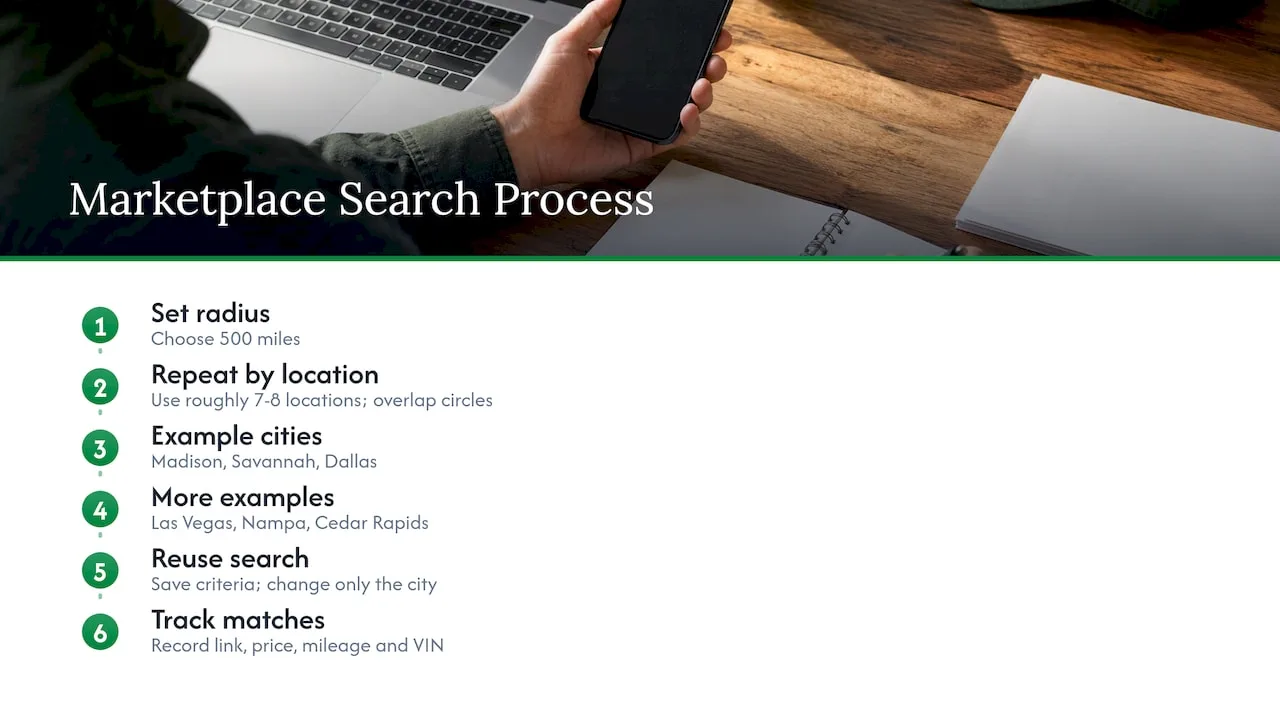
A practical way to do it: save your search criteria once, then change only the city and repeat. Keep a short list of the cars that look right, with the link, price, mileage and VIN for each.
Use filters the smart way
A wide radius works best with tight filters. Otherwise you scroll through hundreds of cars you would never buy.
Start broad, then narrow. Run a loose search first (just make and model) to see what's out there and what typical prices look like. Then add year, mileage, trim and color.
Filter by trim, not just model. Features like leather seats, a sunroof, driver-assist systems or an upgraded engine often come with a specific trim. If you filter only by model, you may bury the car you want.
Set a mileage and price ceiling you would truly pay. Ignore the listings above it. Don't bargain yourself up.
Use "clean title" and "no accidents" filters where offered. They help, but they are only a starting point. Confirm the facts yourself with a history report.
Cross-check the listing. If the same car appears on several sites, check that the price, mileage and photos match.
Trim levels explained, in plain words
A trim level is a version of a model. A manufacturer sells one model, say a midsize SUV, in several versions. The base version has the essentials. Higher versions add things like larger wheels, upgraded audio, heated seats, a bigger screen or a stronger engine. Each version has its own name, and those names differ from brand to brand.
Why it matters when you search:
Price gaps can be large between trims of the same year and mileage. A listing priced well below others may simply be the base trim.
Features you assume are included may not be. Don't trust a photo of a nice interior. Check the build details against the VIN.
Names change from year to year. A trim called one thing in one model year can be reshuffled in the next. Always match the exact year.
Look for a window sticker or a VIN decode to confirm what that exact car came with. If a seller can't tell you the trim, that's a signal to slow down.
Decide which features you can't live without. Write down three must-haves and three nice-to-haves. It makes comparing cars far easier.
When you ask us to find a car, the trim is one of the first things we ask about, because it saves you from looking at cars that don't fit.
What a car locator or car finding service does
A car finding service (also called a car locator) looks for a specific vehicle on your behalf. You describe what you want, and someone else does the searching, screening and calling. A good one narrows the list so you only see cars worth your time.
What to give any finder, ours included:
- Make, model and a year range.
- The trim or the features you need.
- Your budget, and whether you plan to pay cash or finance.
- A mileage ceiling.
- Colors or options you want, and ones you refuse.
- How far you are willing to go, or whether you want the car brought to you.
- Your timeline. Needing a car by next week is a different search than watching for the right one over a month.
The clearer the brief, the fewer misses. That is the whole idea.
Before you commit to a car that's far away
A car 300 miles away is the same car on paper, but you can't kick the tires. Slow down on these points.
Confirm it's still for sale. Listing accuracy depends on how fast source sites update, so a car can appear in search results shortly after it sold. Call or message the seller before you plan anything.
Get the VIN and run a history report. Check for accidents, odometer problems and ownership history. Our guide on verifying a clean title with NMVTIS walks through it.
Ask for a detailed walk-around video. Cold start, dash lights, tires, undercarriage, and any flaws up close.
Arrange an independent inspection near the car. A local mechanic can look it over for you. If it turns up issues, you can use the report to negotiate; see our five steps to use a pre-purchase inspection.
Add up the real total. Price, transport or travel, taxes, title and registration fees. Ask for every fee in writing before you agree to anything.
Understand the paperwork. Our out-of-state buying checklist covers title transfer, registration and what to bring.
Be careful with payment. Don't send a deposit to someone you haven't verified. Walk away from pressure to pay fast.
Plan the test drive. If you can't go yourself, ask a trusted person to do it. Our test drive checklist lists what to look for.
If you're comparing listing sites along the way, we also compared Autotrader and Cars.com.
A quick example of widening in stages
Say you want a three-year-old midsize SUV in a mid-level trim, under a set budget. Here is how a sensible search might go.
- Search within 25 miles of Clearwater. You find two cars, one a base trim and one with too many miles.
- Widen to 100 miles. You add a handful, including one in the right trim, but the color is wrong.
- Widen to 250 miles and save the search with alerts on. A matching car shows up a few days later.
- You confirm it's available, get the VIN, run a history report and arrange an inspection.
- You price the transport and travel into the total, then decide.
Nothing here is complicated. It just takes patience, and it takes time you may not have.
Our perspective
We run an independent used car lot in Clearwater, and we hear the same story a lot. Someone spent three weekends scrolling listings, drove to see a car that was already gone, and ended up tired and unsure what a fair price was.
That is why we offer vehicle sourcing. You tell us the make, model, trim and budget. We search for it, and you only see cars that match what you asked for. Every car we list is hand-inspected and comes with a history report before it goes up, and the price is on the listing with no hidden fees.
We think a wider search is a good idea. We also think you shouldn't have to do it alone. A real person here answers your questions, not a call center, and that person can tell you what a trim really includes and what to check on a car you haven't seen.
CL Auto
Let us do the searching
If you would rather skip the filters, alerts and long-distance phone calls, tell us what you are after. Our vehicle sourcing service works from your list of must-haves, so you only look at cars that fit.
Want to see what we already have? Browse our hand-picked used cars, or look at used cars in Clearwater, FL and used SUVs. If you need a loan, our financing page explains the options with multiple lenders. And if you have a car to sell, we buy cars directly from individuals too.
FAQ
How far should I expand my car search radius?
Start near home, then widen in steps to about 100, 250 and 500 miles. Stop when the extra distance stops adding cars that match your trim and budget. For a common model, a regional search is often enough. For a rare trim or color, go wider.
Can I search for cars nationwide on Facebook Marketplace?
Not officially. Road & Track reported that Marketplace caps its radius at 500 miles and has no nationwide option. Its workaround is to repeat the same search from several different cities, so the circles overlap across the country.
What is a used car locator service?
It's a service that searches for a specific vehicle on your behalf. You give it the make, model, year, trim, budget and mileage limit, and it returns matching cars. We do this at Clearwater Largo Automotive through our vehicle sourcing page.
What are trim levels, and why do they matter?
Trim levels are the versions of a model, each with its own features and price. Two cars of the same model and year can differ in engine, seats, safety tech and screens. Confirm the trim with the VIN before you travel to see a car.
What should I check before buying a car from far away?
Confirm it's still available, get the VIN, run a history report, and arrange an independent inspection near the car. Get every fee in writing and don't send a deposit to someone you haven't verified.
Sources
- How to Search Facebook Marketplace Nationwide, Road & Track
- AutoTempest Review: Used car search, Find the Best Car Price
- AutoTempest Review 2026, Amerifreight
- Used car buying hack: expand your search radius, Pomcar